Computing
PC Hardware and Computer Components
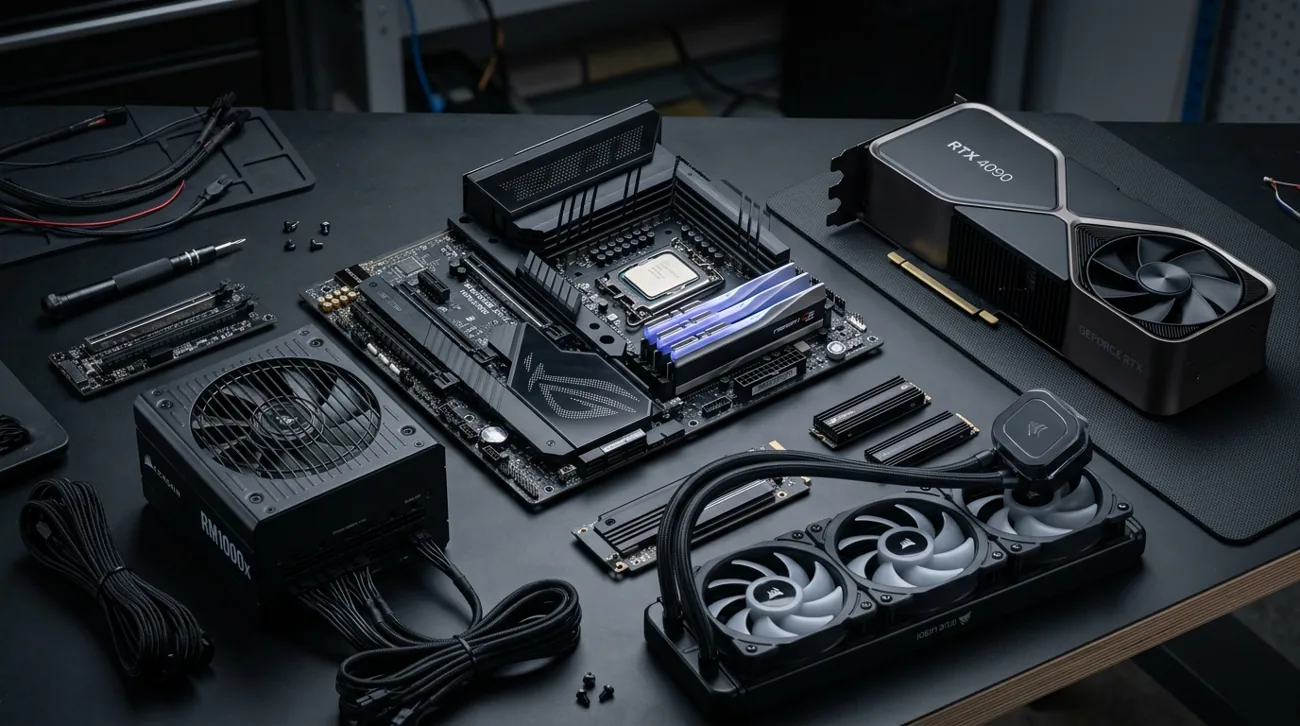
A balanced computer matches processor, memory, graphics and storage to a real workload.
Read the guide →Explore ten practical guides to computing: concepts, real-world uses, tradeoffs and ways to make informed choices.
A balanced computer matches processor, memory, graphics and storage to a real workload.
Read the guide →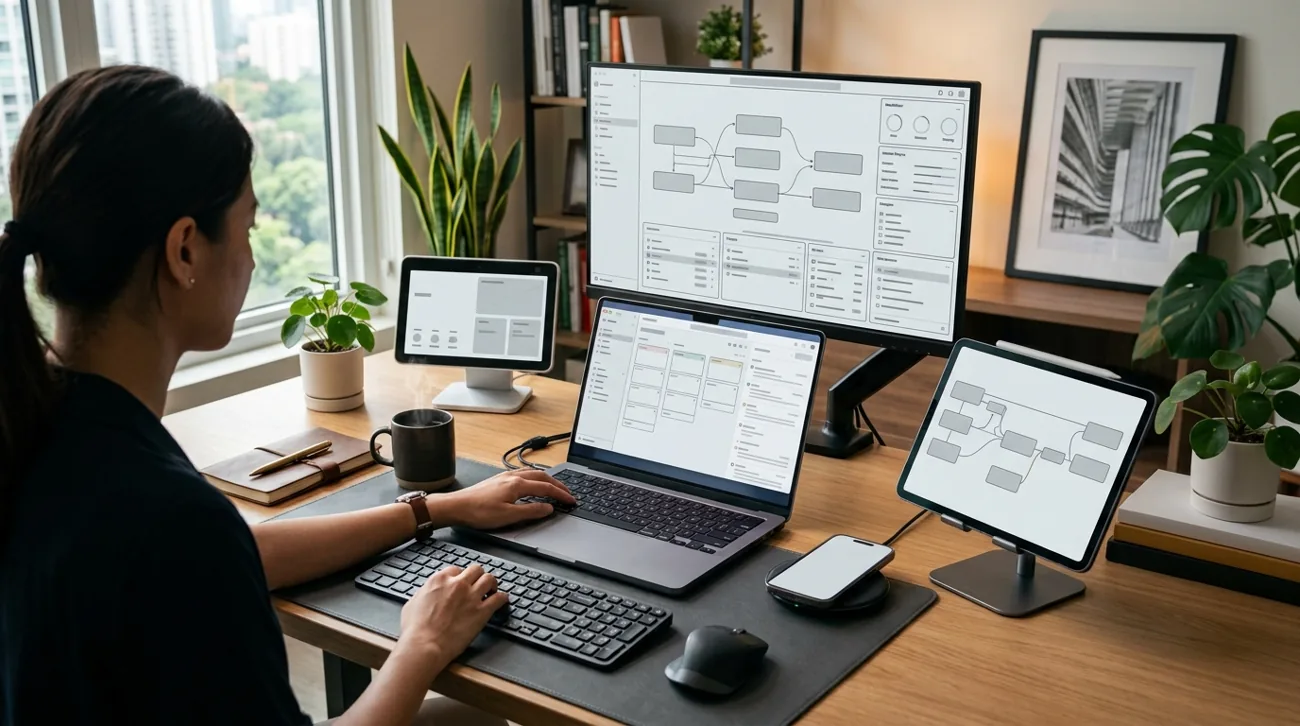
Laptop buying begins with mobility, performance needs and the tradeoffs in screen, battery and repairability.
Read the guide →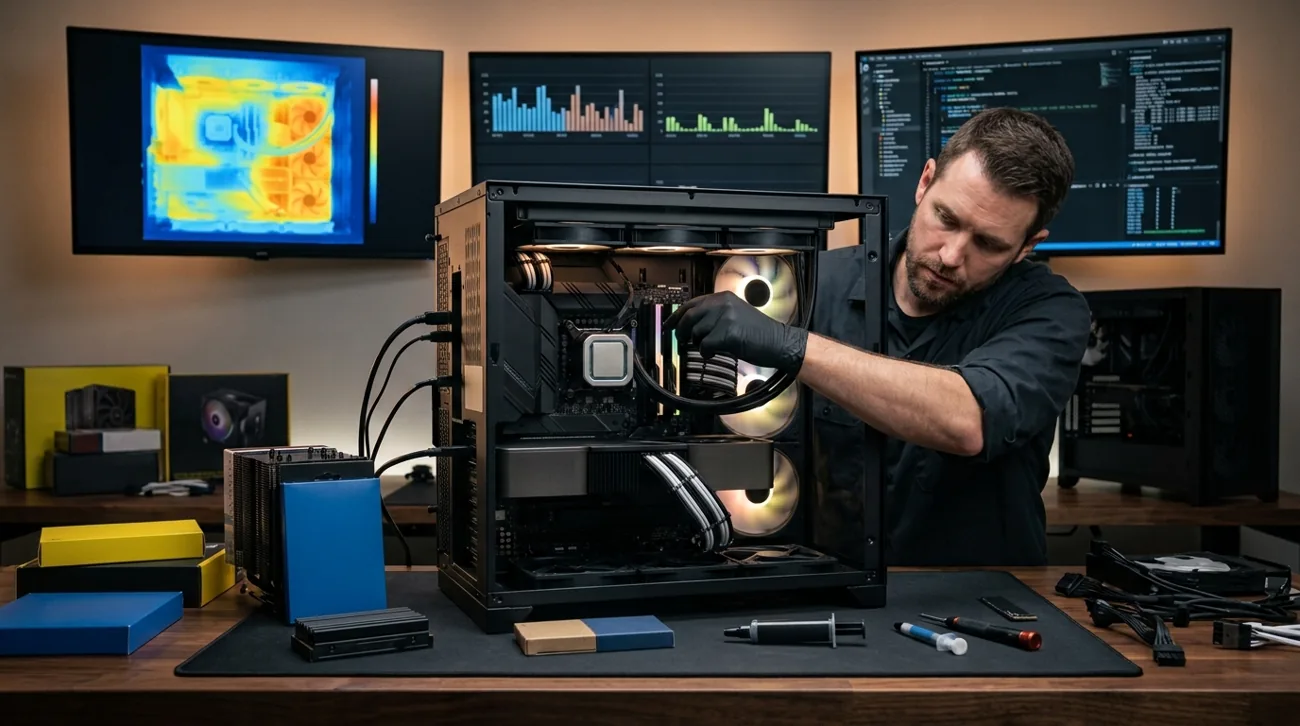
Processor comparisons work best when architecture, power budget and software compatibility are considered together.
Read the guide →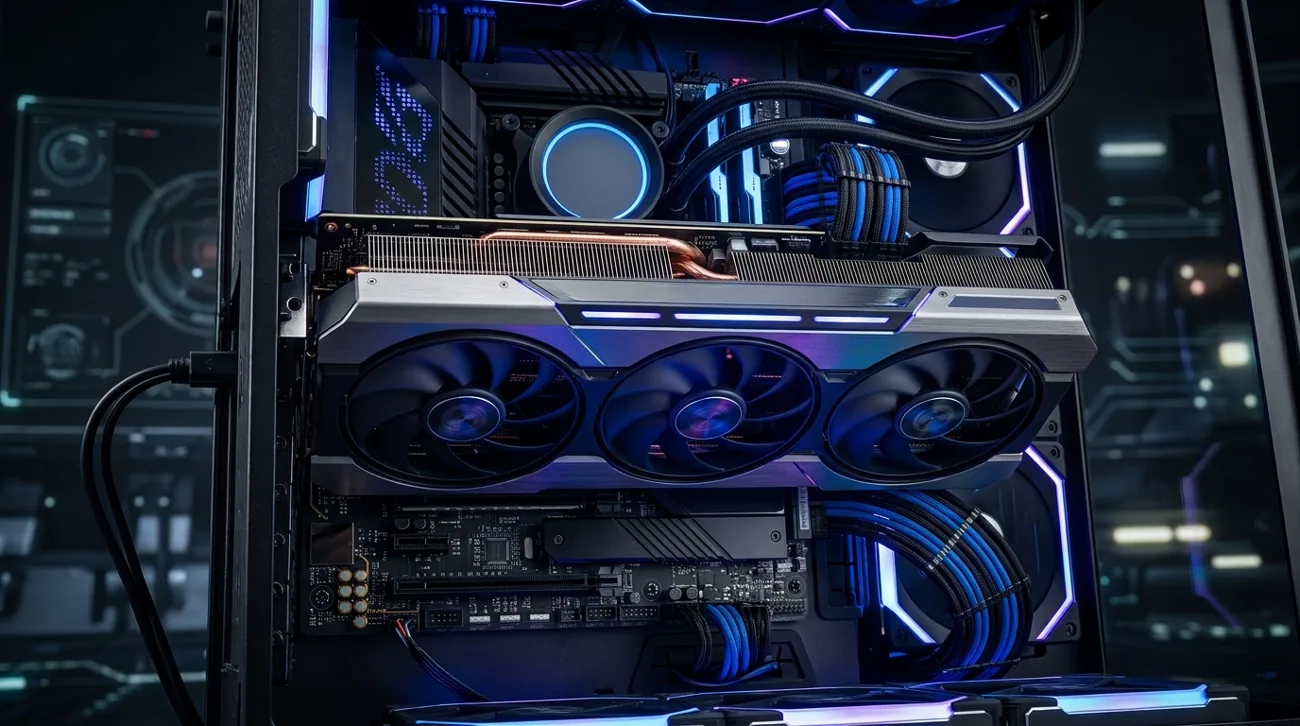
A graphics processor accelerates rendering, media work and some compute tasks, but its value depends on software and display goals.
Read the guide →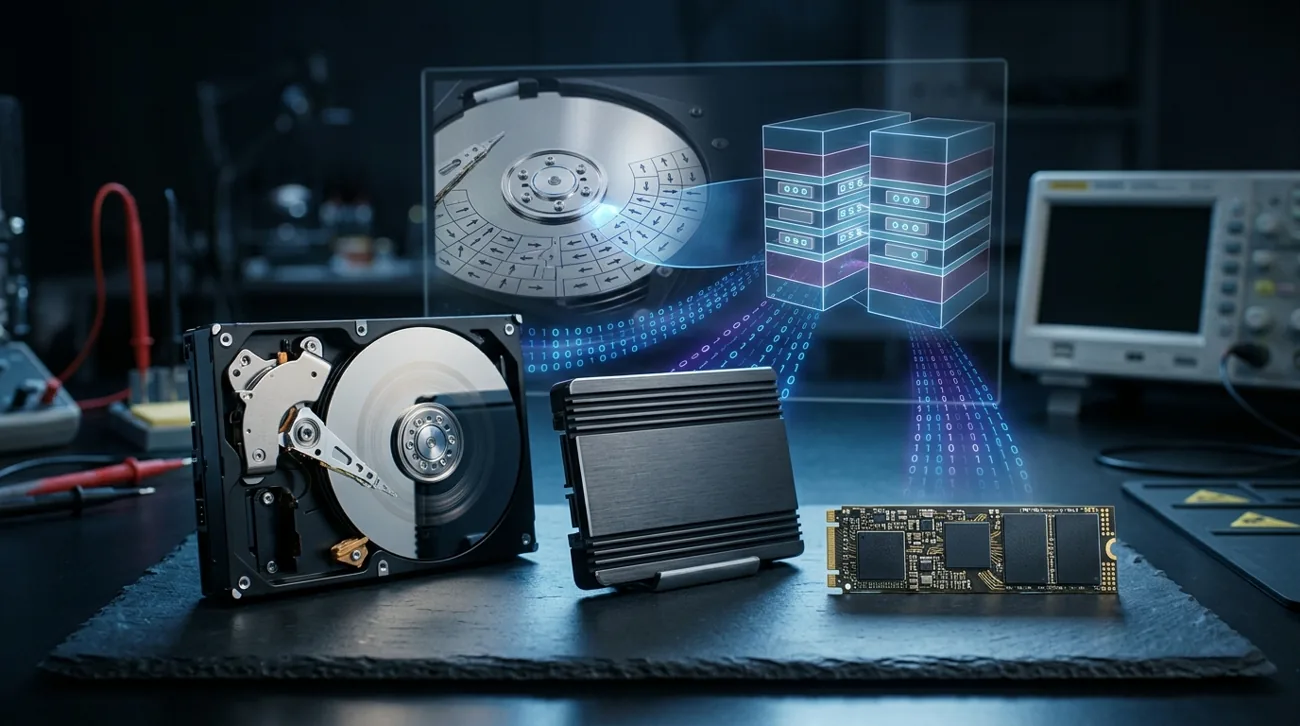
Storage choices affect responsiveness, capacity, durability and the design of a dependable backup plan.
Read the guide →
An operating system is the layer that manages hardware, software, accounts and security updates.
Read the guide →
A home or office network succeeds when devices can connect securely and reliably where people work.
Read the guide →
Cloud services rent computing resources, storage and managed tools on demand, with costs that need active oversight.
Read the guide →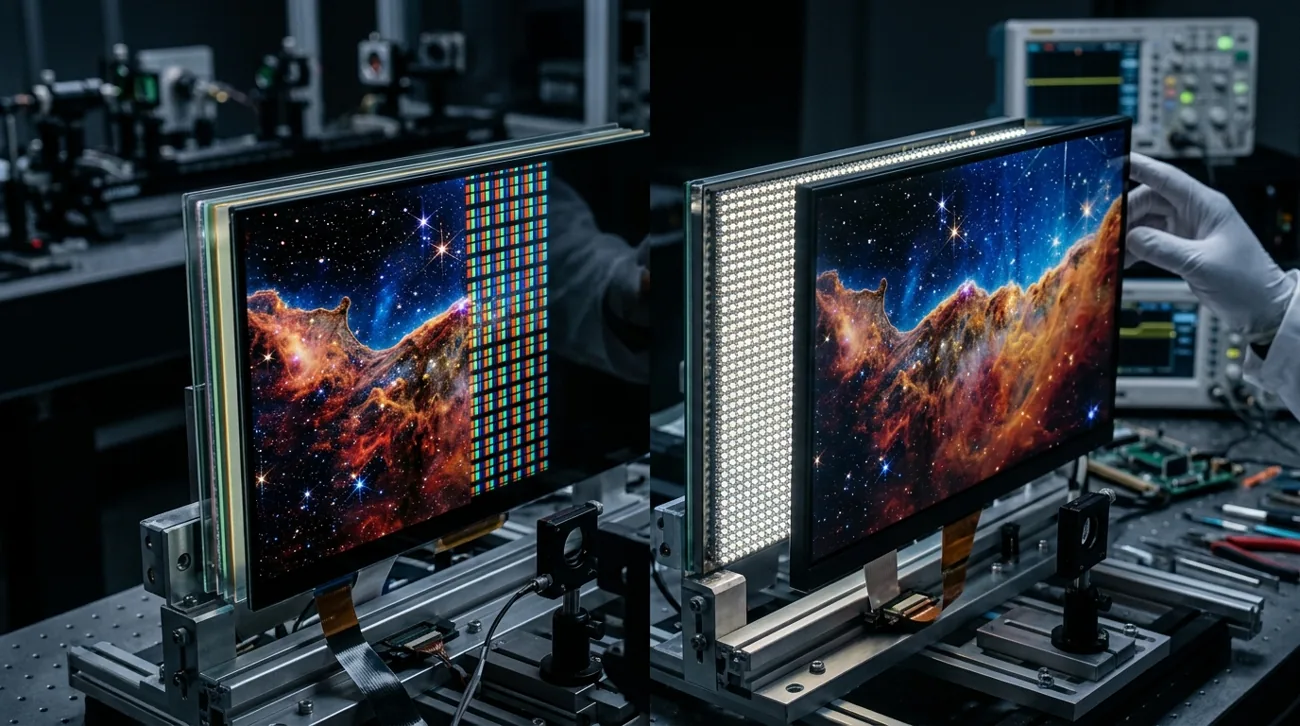
Faster computing starts with measuring the bottleneck before buying replacement parts.
Read the guide →
Practical computer security combines updates, account protection and recoverable copies of important files.
Read the guide →